

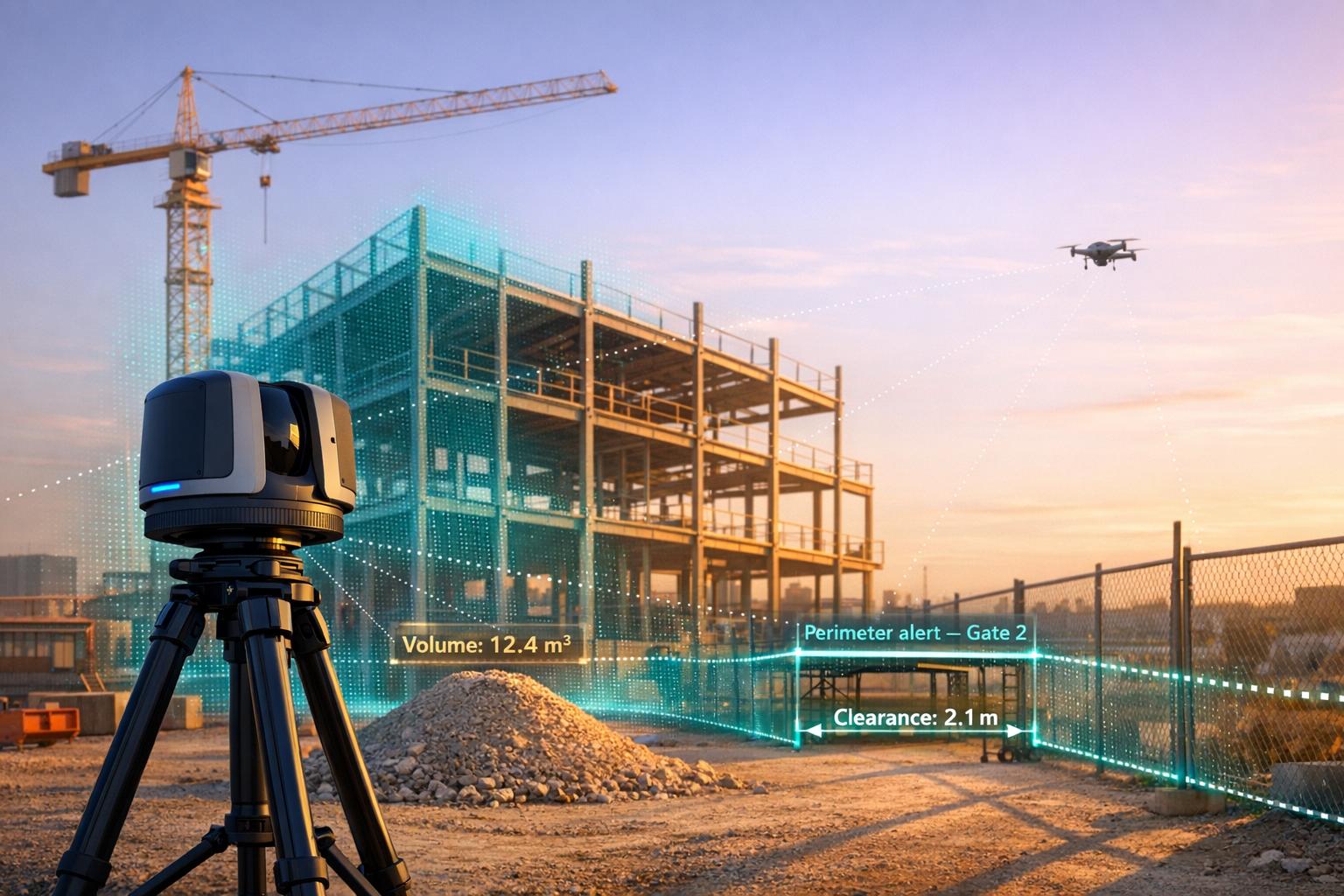
Real-time LiDAR monitoring transforms 3D spatial data into actionable insights by integrating live sensor inputs with cloud-based platforms. This technology is used across industries like construction, security, and infrastructure to improve efficiency and decision-making. Here's a quick look at the top tools:
- Anvil Labs: Cloud-based platform for real-time LiDAR data processing, visualization, and integration with other tools like Matterport and GIS systems.
- Purepoint Pro: Desktop software for on-site LiDAR data processing with automated filters and classification tools.
- Flasheye: Lightweight software for industrial and security applications, optimized for low-power hardware and real-time 3D insights.
- LidarView: Open-source platform offering live LiDAR data visualization, SLAM, and advanced processing tools.
- UgCS LiDAR Software: Drone mission planning tool with automated sensor calibration and terrain-following capabilities.
- Taskmonk: Browser-based platform for LiDAR data labeling and real-time monitoring, leveraging AI for pre-labeling and automated workflows.
Each tool serves different needs, from cloud-based collaboration to on-site processing and open-source flexibility. Below is a quick comparison of their features:
| Tool | Best For | Key Features | Pricing |
|---|---|---|---|
| Anvil Labs | Industrial site management | Cloud-based, integrates with GIS/Matterport | $20–$99/month + $49/project |
| Purepoint Pro | On-site processing | Automated filters, ASPRS-compliant reports | License-based |
| Flasheye | Industrial/security use | Low-power hardware, 3D zones, real-time detection | Custom pricing |
| LidarView | Open-source users | Free, SLAM, supports 40+ sensor models | Free |
| UgCS LiDAR | Drone operations | Terrain-following, automated calibration | Expert/Enterprise tiers |
| Taskmonk | Data labeling/monitoring | AI-powered labeling, browser-based | Custom pricing |
These tools cater to diverse workflows and budgets, ensuring there's a solution for every LiDAR application.

Real-Time LiDAR Monitoring Tools Comparison: Features, Pricing, and Best Use Cases
YellowScan LiveStation: Real time in flight LiDAR monitoring for UAV LiDAR mapping
sbb-itb-ac6e058
1. Anvil Labs
Anvil Labs provides a cloud-based platform designed to manage industrial sites using advanced 3D models and spatial analysis. By processing and visualizing LiDAR data alongside other spatial formats, the platform offers a streamlined approach to site management.
Real-time Data Processing and Visualization
Leveraging 5G technology, Anvil Labs enables real-time drone operations, ensuring instant data transmission and processing. This eliminates the delays of traditional post-processing workflows by transforming raw LiDAR sensor data into actionable insights through cloud-based systems. Users can view orthomosaic images, digital terrain models, and 3D point clouds directly in their web browsers - no need for specialized software.
The platform also combines real-time thermal mapping with LiDAR data, improving anomaly detection and asset monitoring. Its 3D annotation tools allow engineers to measure points, distances, and volumes with precision, whether working with live or recently captured data.
This capability integrates seamlessly with a wide variety of sensor data, as explored in the following sections.
Compatibility with LiDAR Data Formats and Sensors
Anvil Labs supports widely-used LiDAR formats like .laz, .obj, and .fbx, making it compatible with data from drone-based LiDAR sensors and UAV photogrammetry workflows. The platform consolidates point clouds, LiDAR data, 3D meshes, and orthomosaics into a single interface. It also facilitates LAZ-to-LAS format conversions, ensuring smooth compatibility across different visualization and analysis tools.
This adaptability makes it easier to integrate with other systems, as detailed below.
Integration with Other Tools or Platforms
Anvil Labs enhances its real-time processing capabilities with a range of integrations. It connects with Matterport for 3D capture, YouTube for content sharing, AI tools for automated data analysis, and task management systems to streamline team coordination. These integrations ensure data flows effortlessly between Anvil Labs and other industry-standard tools, allowing teams to incorporate LiDAR monitoring into their existing workflows. The platform also supports custom plugins for drone data in Cesium and integrates with GIS systems for applications like sewer system documentation.
Key Industry Use Cases
More than 350 companies rely on Anvil Labs for tasks like construction tracking, asset management, and infrastructure monitoring. Users report inspections are 75% faster than traditional methods, with the platform identifying 30% more defects through its AI and 3D scanning capabilities. Many engineering firms have saved hundreds of thousands of dollars, often achieving a return on investment within just two months.
"This saves me from DroneDeploy! The per project pricing makes it easy for me to bill customers." – Connor Barnes, Leading Edge Environmental and Emergency Services
The platform is particularly effective for applications like bridge load analysis, underground mine mapping, oil and gas pipeline inspections, and urban flood risk assessments. For remote collaboration, Anvil Labs provides stakeholders with a clear, interactive view of sites, eliminating the need for physical visits. Project managers, subcontractors, and clients can take measurements and address issues virtually, streamlining communication and decision-making.
2. Purepoint Pro
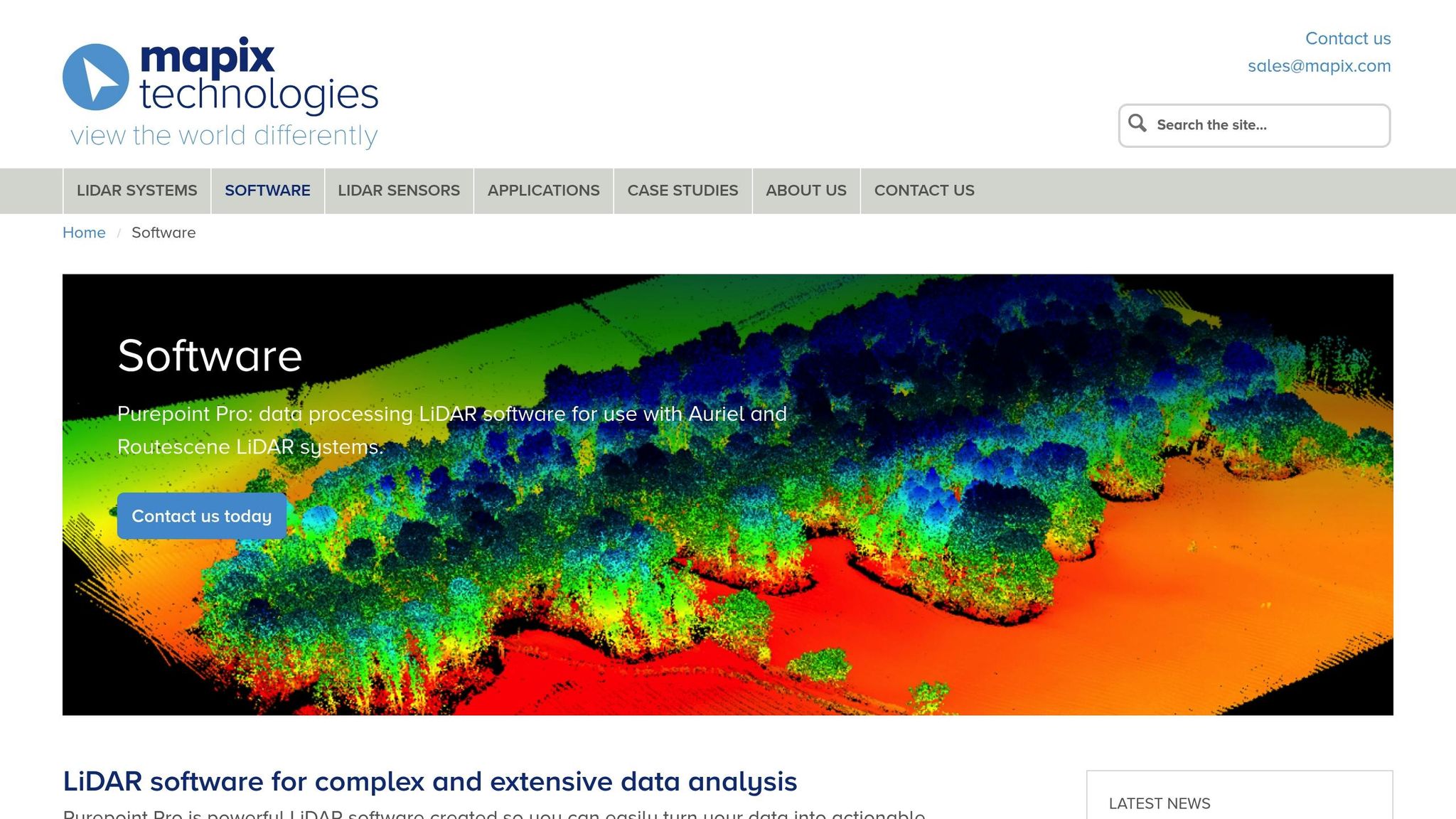
Purepoint Pro is a desktop tool designed to process and verify LiDAR data directly on-site, making it especially useful in remote locations with limited internet access.
Real-time Data Processing and Visualization
Did you know that 60% of the time spent on a LiDAR project goes into processing data? Purepoint Pro tackles this challenge with over 60 pre-set filters that automate tasks like data cleaning, noise reduction, and classification. These filters can be grouped into "filter chains" and workflows, streamlining even the most complex processing steps.
For UAV systems that collect up to 8 GB of data per hour, the Sections tool eliminates about 1.4 million redundant data points created during drone takeoff and landing. Other features, like the Range Reduction filter, remove duplicate points from overlapping lines, while the Laser ID reduction filter optimizes processing speed by reducing the number of active lasers - for example, from 32 to 25 when surveying open, vegetation-free areas.
"60% of a LiDAR project is spent data processing. Using Purepoint you can vastly reduce processing time." – Routescene
Purepoint Pro can handle project files exceeding 20 GB, generating Quality Assurance Reports that meet ASPRS standards - all while still on-site. It also allows users to create complete site visualizations by combining point, raster, vector, and frame layers. If RGB imagery is available, it can be integrated to colorize point clouds, improving visualization.
This all-in-one approach works seamlessly with a wide range of data formats.
Compatibility with LiDAR Data Formats and Sensors
Purepoint Pro supports both LAS and LAZ file formats, making it highly versatile. It’s built to work with UAV and vehicle-based LiDAR systems. The software is drone-agnostic, meaning it can integrate with various multi-rotor drones, and it serves as the main processing tool for Routescene's LidarPod. Outputs include Digital Terrain Models (DTMs), Digital Surface Models (DSMs), canopy height models, and classified point clouds.
Key Industry Use Cases
Purepoint Pro’s powerful processing has proven its value in real-world applications. For example, in Sand Canyon, Colorado, the Routescene UAV LiDAR system combined with Purepoint uncovered 750-year-old ancestral Pueblo structures. By penetrating dense vegetation, it revealed that the archaeological site was much larger than previously thought. Similarly, Los Alamos National Laboratory used the system in Alaska to map Arctic tundra for the Department of Energy's Next Generation Ecosystem Experiments (NGEE), providing high-resolution terrain data to improve global climate models.
In the energy sector, Purepoint Pro has been used for powerline vegetation management. It helped create ash dieback risk maps, identifying hazardous vegetation near power lines to prevent outages. Additionally, the National Centre for Nuclear Robotics deployed the software to map radiation hotspots in Chernobyl’s Red Forest. By generating bare-earth models that filtered out non-ground points, they could pinpoint areas of concern.
"Routescene has been very supportive in getting us started with such a complex piece of equipment and ensuring we got off the ground quickly. It was only a couple of test and learning flights before we started collecting the data we required." – Kieran Wood, Bristol University/NCNR
3. Flasheye
Flasheye is a cutting-edge software platform designed to process raw LiDAR data into real-time 3D insights for industrial and security applications. Recognized as one of Sweden's most promising startups for 2023–2025, it stands out for its ability to operate efficiently on low-power hardware, eliminating the need for costly GPUs.
Real-Time Data Processing and Visualization
Flasheye combines data from multiple sensors into a unified 3D point cloud, ensuring smooth and accurate detection over large areas. Its advanced filtering capabilities automatically distinguish between background and foreground elements, making it easier to focus on critical details. Through a user-friendly graphical interface, users can define custom 3D zones to monitor occupancy or trigger specific actions based on real-time conditions.
The platform’s container-based architecture is optimized for fanless PCs and supports high-resolution sensors. It includes tools for object classification, enabling it to differentiate between pedestrians, vehicles, and trucks based on size and speed. Adjustable motion detection thresholds help reduce false alarms and improve predictive maintenance, making it a powerful tool for various operational needs.
Compatibility with LiDAR Data Formats and Sensors
Flasheye’s 3D Sensor Agnostic Layer ensures compatibility with point cloud sensors from any manufacturer, offering a flexible and hardware-independent solution. While it supports a broad range of existing sensor brands, new sensor types can be added upon request. The software also includes self-diagnostic features, such as dirt detection and tampering alarms, which are vital for maintaining system reliability in demanding industrial environments.
Key Industry Use Cases
Flasheye demonstrates how real-time 3D perception can enhance efficiency across multiple industries. For example, in February 2026, Flasheye partnered with Hedlunds, a log handling solutions provider, to bring LiDAR-based 3D technology to the sawmill industry. This collaboration, led by Gustav Nordlund (Flasheye) and Jens Hedlund (Hedlunds), aims to modernize log handling with real-time 3D insights.
Beyond sawmills, Flasheye’s platform is used in mining, critical infrastructure protection (such as water, power, and transport systems), and smart city projects. By transforming passive infrastructure into intelligent systems, it plays a vital role in creating more connected and efficient environments.
"Our modular approach allows seamless integration without heavy development. It helps partners accelerate go-to-market, scale across industries, and deliver complete awareness solutions." - Flasheye
4. LidarView
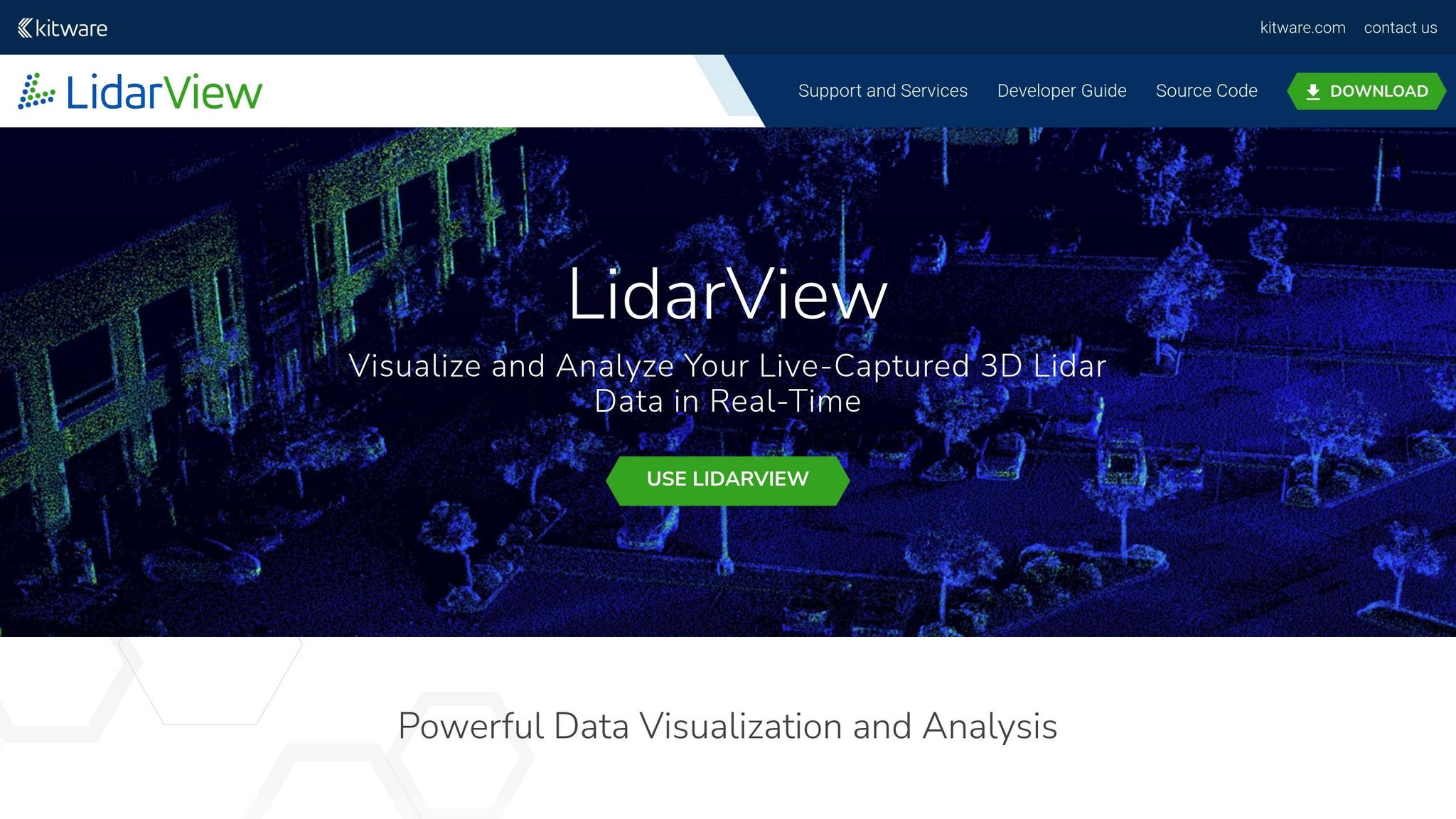
LidarView is an open-source platform based on ParaView, developed with 25 years of expertise from Kitware in scientific visualization and computer vision. Unlike proprietary LiDAR tools that can cost upwards of $5,000, LidarView is distributed under the Apache-2.0 license, meaning it’s completely free to use. This makes it an attractive option for organizations of all sizes seeking advanced LiDAR processing capabilities without the hefty price tag.
Real-Time Data Processing and Visualization
LidarView makes it possible to visualize time-stamped LiDAR data in 3D, processing live point cloud streams from multiple sensors. With the release of Version 5.0, the software introduced three distinct modes:
- Lidar Viewer: For live feeds and replay.
- Point Cloud Tool: For static data processing.
- Advanced Mode: For full control over algorithms and filters.
Users can explore LiDAR data attributes like timestamp, azimuth, and laser ID using the built-in spreadsheet inspector, which also allows toggling specific laser subsets on or off.
The platform includes SLAM (Simultaneous Localization and Mapping) for reconstructing environments and localizing sensors, as well as AI/ML tools for tracking and scene classification. For large-scale datasets, such as city-wide aerial scans, LidarView supports client-server connections. This means data can be processed on high-performance computers while users visualize it on a local desktop client.
Compatibility with LiDAR Data Formats and Sensors
LidarView is compatible with more than 40 LiDAR sensor models from manufacturers like Velodyne, Hesai, Robosense, Livox, and Leishen. It supports multiple data input methods, including:
- Live sensor streams (default network port 2368)
- Recorded
.pcapfiles - ROS2
.mcapfiles
For sensors not officially supported, users can create custom plugins if the necessary drivers or specifications are available.
"LidarView 5.0 is a big leap towards universal LiDAR viewer and processing tool." - Kitware
Additionally, LidarView supports integration with external sensors. For example, users can load IMU and GPS data in CSV format to enhance SLAM processes, which is particularly useful in challenging environments like water surfaces. To handle large point cloud datasets effectively, Kitware recommends using a 64-bit operating system with at least 16 GB of RAM (64 GB is ideal) and OpenGL-compatible hardware, with NVIDIA GPUs preferred.
Key Industry Use Cases
LidarView caters to a wide range of industries with its specialized tools. For instance, its motion detection feature clusters and tracks moving objects, while its volume measurement tool calculates material quantities between a point cloud and a plane - perfect for tasks like assessing material stockpiles. The software is also capable of handling high-speed data capture, with sensors like the HDL-64E processing up to 1.3 million points per second.
The SLAM toolbar simplifies tasks like loop closure detection and trajectory optimization, making it a valuable tool for drones and mobile robotics. It also supports integration with Python "trame" applications, allowing users to control SLAM algorithms and visualize data directly through a web browser. Thanks to its Apache-2.0 license, organizations can develop custom-branded applications or plugins for proprietary sensors. For those needing extra support, Kitware provides paid training and custom feature development services.
5. UgCS LiDAR Software
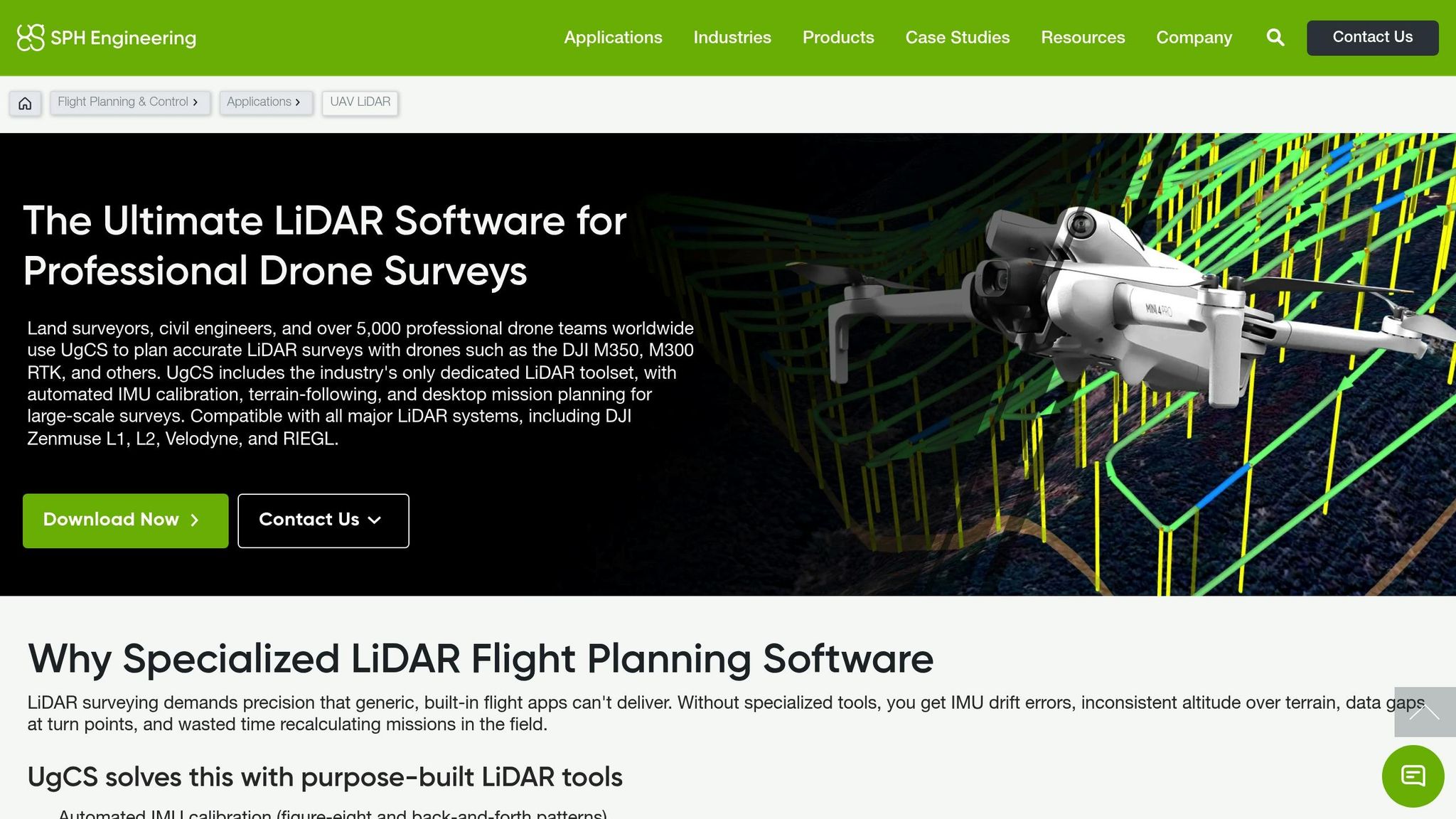
UgCS (Universal Ground Control Software) is a professional mission planning tool designed for advanced drone operations that go beyond the capabilities of standard apps. Created by SPH Engineering, it provides precise control over LiDAR data collection with features like automated sensor calibration and terrain-following flight paths. It supports a wide range of drone platforms, including DJI M300, M350, M600, Freefly Alta X, and various ArduPilot and PX4-based systems.
Expanding on real-time data integration, UgCS LiDAR Software refines mission planning by incorporating sensor feedback and automated calibration processes.
Real-Time Data Processing and Visualization
SkyHub transforms drones into intelligent sensors, delivering real-time mission feedback and georeferenced data logging. The system displays live sensor status on-screen, ensuring immediate verification of data quality.
During calibration maneuvers like figure-eights or U-turns, blue lines indicate ongoing IMU calibration. UgCS Mapper generates 2D maps and elevation models in real time from aerial images and video. It also supports live geotagged video streaming directly to the ground control station.
For example, in January 2026, NCDOT and Mississippi State University achieved a vertical accuracy of 6.6 cm RMSE using drone-based sonar mapping. In December 2025, Altomaxx deployed a DJI Matrice 300 RTK with UgCS to create elevation models for 13 stormwater ponds in Ontario.
In addition to real-time capabilities, UgCS offers compatibility with a wide range of sensors, making it adaptable to various operational needs.
Compatibility with LiDAR Data Formats and Sensors
UgCS supports LiDAR sensors from manufacturers such as DJI (L1, L2), YellowScan, Phoenix LiDAR, Riegl, LiDAR USA, GeoCue, Rock Robotic (R3, Ultra), GeoSun LiDAR, 3DT Scanfly, Topodrone, and Balko Tech. The software automatically calculates optimal flight patterns - like figure-eights, U-turns, and back-and-forth sweeps - to minimize IMU drift. For mission planning, users can import area boundaries through KML or KMZ files, and the software uses digital elevation data (DSM/DTM) to ensure precise 3D terrain-following, maintaining consistent altitude for uniform point cloud density.
"UgCS effectively 'unlocks the full potential of LiDARs' by making sure calibration is done exactly as needed." – SPH Engineering
Specialized tools like "LiDAR Area" and "LiDAR Corridor" automatically determine line spacing based on the sensor's field of view and desired overlap. Features such as bank turns and loop turns help reduce sensor shaking and maintain steady velocity during directional changes. These advanced capabilities are available with UgCS Expert and Enterprise licenses.
Key Industry Use Cases
UgCS’s precise controls are critical for achieving accurate LiDAR data in challenging field conditions.
In February 2026, the University of Arizona used UgCS and SkyHub to map the internal structures of remote rock glaciers in Alaska and Wyoming - locations inaccessible on foot. That same month, a study in Yolo County, California, utilized UgCS for UAV-based magnetic surveys to locate abandoned gas wellheads buried in wetlands.
In industrial applications, UgCS optimizes flight paths for inspecting power lines, gas pipelines, open-pit mines, and vertical structures like chimneys or cell towers. In precision agriculture, Dalhousie University research in January 2025 showed that UgCS Circlegrammetry cut drone mapping time by 64% and processing time by 83%. Additionally, over 300 universities worldwide use UgCS for education and research, supported by SPH Engineering's partner network spanning more than 150 countries.
6. Taskmonk
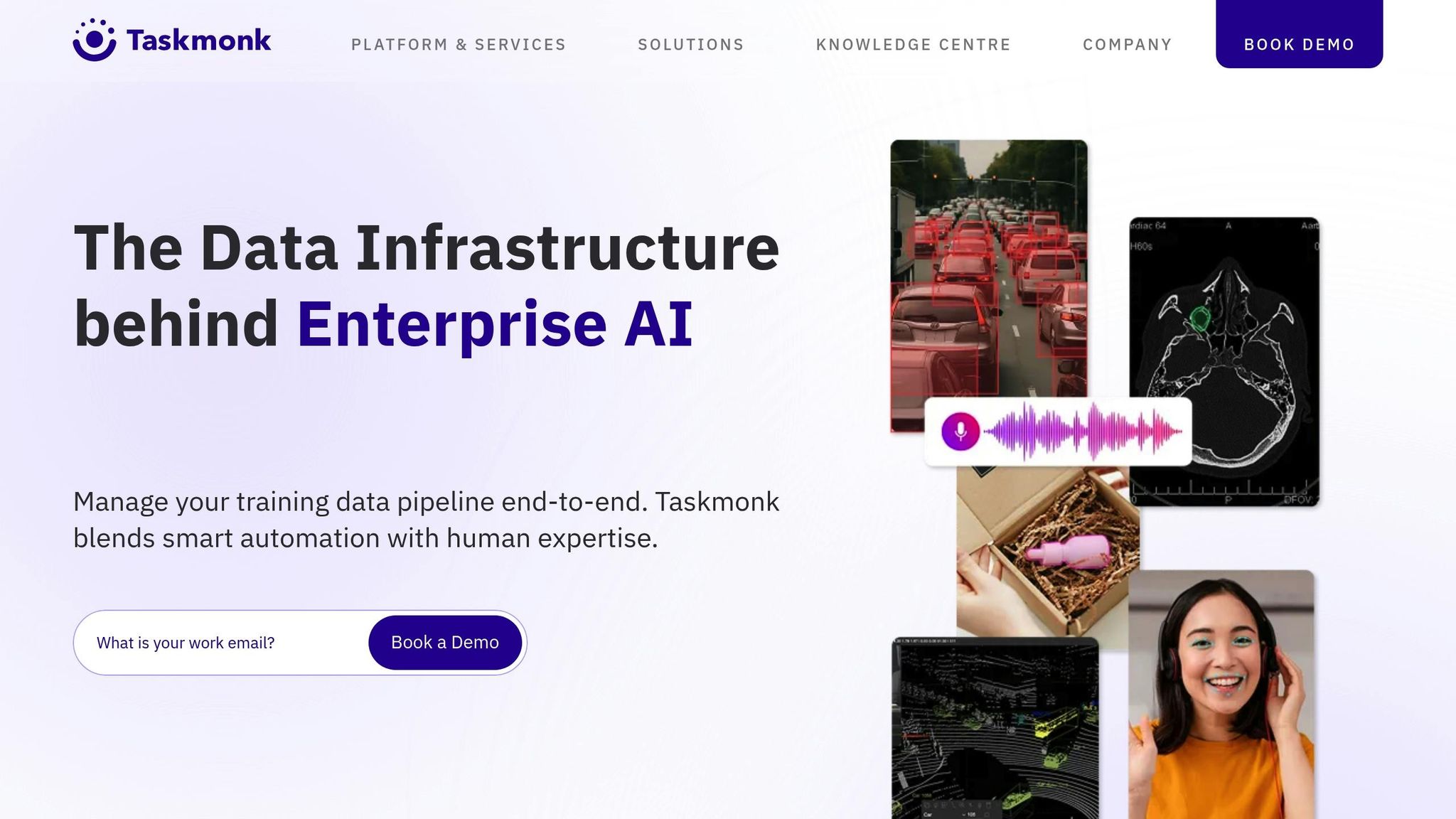
Taskmonk is a browser-based platform designed for AI-powered LiDAR data labeling and real-time monitoring. Using technologies like Three.js and React.js, it efficiently processes large point clouds directly within a browser, enabling smooth and interactive 3D rendering. Impressively, the platform has managed more than 200 million tasks and logged over 5 million labeling hours, all while maintaining a 99.9% uptime.
Real-Time Data Processing and Visualization
Taskmonk excels at processing dense LiDAR datasets with tools that make data interpretation faster and more intuitive. Features like point cloud coloring (based on intensity or height), distance filtering, opacity adjustments, clipping, and class layers enhance visualization. The platform processes continuous data streams to provide feedback in near real-time.
Its "Taskmonk Assist" feature takes automation a step further by pre-labeling data and flagging low-confidence areas for human review. This functionality speeds up workflows and aids in quicker decision-making, even in complex operational scenarios.
"Working with 3D data inside a web app, especially in a browser environment, can be cumbersome. However, leveraging the powerful JavaScript ecosystem particularly Three.js has greatly simplified this process, making 3D rendering more efficient and interactive." – Niyas Rahman, Tech Lead at Taskmonk
Compatibility with LiDAR Data Formats and Sensors
Taskmonk supports popular formats like LAS and LAZ and integrates data from LiDAR, cameras, and radar into a unified workspace. Users can import individual scans or long sequences directly from cloud storage services such as Amazon S3, Google Cloud Storage, and Azure.
For workflows requiring high security, Taskmonk offers zero-copy access. This means datasets remain in their original storage location while the platform reads and writes data through signed URLs. Additionally, it supports Coordinate Reference Systems like WGS84 and EPSG, alongside base maps and asset tagging, making it a strong choice for infrastructure and aerial monitoring tasks.
Integration with Other Tools or Platforms
Taskmonk goes beyond data processing by integrating seamlessly with MLOps systems. It offers APIs, SDKs, webhooks, and storage connectors for smooth integration. The platform is compliant with SOC 2 Type II, ISO 27001, and GDPR standards, ensuring data security. Deployment options include Virtual Private Cloud (VPC) and on-premises setups, catering to high-security environments. The platform also supports SSO/SAML, MFA, and customer-managed keys via cloud KMS to safeguard sensitive LiDAR data.
Key Industry Use Cases
Taskmonk addresses a wide range of industries with its capabilities. It helps detect vegetation encroachment on power lines, monitor asset health, and scale geospatial annotation for UAV and drone-based LiDAR in areas like infrastructure, precision agriculture, and disaster assessment. In warehousing and robotics, it annotates racks, pallets, and safety zones, while in urban planning, it digitizes lanes, curbs, signage, and utilities. Taskmonk demonstrates how real-time insights from LiDAR data can transform field operations.
"LiDAR is reshaping the future of AI, bringing unmatched 3D perception to autonomous vehicles, robotics, and urban planning... At Taskmonk, we are proud to support this transformation with a smart, flexible platform that streamlines LiDAR data labeling across multiple formats." – Vikram Kedlaya, Founder & CTO of Taskmonk
Feature and Pricing Comparison
Anvil Labs' cloud-based platform provides a budget-friendly alternative to traditional desktop software by removing hefty licensing fees and hardware needs.
The pricing structure combines a monthly subscription plan (ranging from $20 to $99+) with additional costs like $49 per project hosting fees and pay-as-you-go data processing at $3 per gigapixel. This usage-based model aligns perfectly with the platform's focus on enabling quick decisions and efficient operations. Users have reported impressive results, including 30% cost savings per inspection and inspection times that are five times faster thanks to Anvil Labs' automated processing capabilities.
"The ROI is clearly marked within the first few uses." – Lee Cornier, Wings of Dove, LCC
By eliminating upfront costs and providing predictable billing, Anvil Labs ensures its platform is accessible to drone service providers and industrial site managers. This pricing strategy complements the platform's real-time data capabilities, offering an affordable solution for professionals who need immediate insights without significant financial commitments.
This approach highlights Anvil Labs' focus on delivering fast, actionable insights tailored to industrial site management needs.
Conclusion
Real-time LiDAR monitoring has completely reshaped how spatial data is gathered and processed. With cloud platforms, classified point clouds can be ready in just minutes instead of days. Advanced SLAM (Simultaneous Localization and Mapping) technology makes accurate mapping possible even in areas where GNSS signals are unreliable, such as dense forests or indoor environments [18, 23]. On top of that, AI-powered automation simplifies workflows by handling tasks like scene classification and feature extraction.
When choosing the right tools, consider your team’s expertise, project scale, and accuracy requirements. For teams without dedicated LiDAR specialists, cloud-based solutions with built-in AI automation offer the quickest way to achieve results. On the other hand, teams with skilled developers might benefit from the flexibility of open-source frameworks. Your specific accuracy needs also matter - millimeter-level precision is critical for infrastructure projects, while centimeter-level accuracy is often sufficient for UAV mapping [44, 45]. These considerations are key to building efficient and effective LiDAR workflows.
It’s also important to look beyond initial costs when evaluating tools. For example, traditional desktop software like TerraScan can cost between $5,000 and $8,000 upfront, with additional annual maintenance fees. For airborne or mobile LiDAR missions, software that offers live sensor controls and navigation displays can help ensure data is collected correctly the first time around. Platforms such as Anvil Labs highlight how these features can deliver fast, actionable insights in industrial applications.
The tools discussed cater to a range of needs, from real-time quality control in the field to large-scale enterprise processing. Many modern platforms are compatible with sensors like Velodyne, Ouster, and Sony LR-1 [18, 23]. Independent audits have even verified up to 99% accuracy in critical metrics for advanced 3D perception software used in challenging environments. Picking the right tool is essential for optimizing real-time LiDAR monitoring.
Matching your tools to your industry’s demands and communication standards is vital - whether you’re overseeing construction projects, inspecting power lines, or managing forestry operations. The right choice can make all the difference in achieving success.
FAQs
What makes LiDAR monitoring “real-time”?
LiDAR monitoring is described as “real-time” when sensor data is processed instantly as it’s gathered. This allows for the creation of live 3D models or immediate insights, supporting quick decision-making. For example, platforms like Anvil Labs leverage cloud-based processing and AI tools to simplify tasks such as inspections and defect detection, enabling faster and more efficient workflows.
Do I need 5G or constant internet for real-time LiDAR?
You don't absolutely need 5G or constant internet access to make real-time LiDAR work, but having a high-bandwidth, low-latency connection like 5G can make a big difference. It helps with smoother data streaming and faster processing, which is especially useful for remote or mobile setups where dependable connectivity boosts both performance and efficiency.
Which LiDAR file formats should my tool support?
Your tool should work seamlessly with standard LiDAR file formats to ensure compatibility and efficient data processing. Key formats to focus on include:
- LAS: Known for its speed, it's ideal for quick and efficient processing.
- E57: Packed with metadata, this format is perfect for projects requiring detailed information.
- HDF5: Designed for handling large, compressed datasets, making it suitable for managing extensive data.
By supporting these formats, your tool can adapt to a variety of project needs with ease.

.svg)


