


Cesium offers powerful tools for transforming drone data into 3D digital twins, helping industries manage tasks like mapping, simulation, and visualization. Custom plugins extend Cesium's capabilities, making it easier to process, analyze, and visualize drone data. Here’s a quick breakdown of four key plugins:
- WebODM Cesium ion: Simplifies photogrammetry workflows by converting drone imagery into 3D Tiles for browser-based visualization. Great for tracking changes over time.
- Cesium for Unreal: Integrates with Unreal Engine to create immersive, high-fidelity 3D environments for simulations and training.
- Cesium for Unity: Brings geospatial data into Unity for building interactive, cross-platform applications, including AR/VR experiences.
- MATLAB UAV Toolbox Cesium Integration: Combines MATLAB's simulation tools with Cesium’s visualization for UAV testing and algorithm development.
Each plugin serves specific needs, from environmental monitoring to UAV research, with varying strengths in rendering quality, automation, and compatibility. Below, we dive into their features and use cases.
From Pixels to Progress: AERO AI's Cesium- Driven Solution for AECO

1. WebODM Cesium ion Plugin
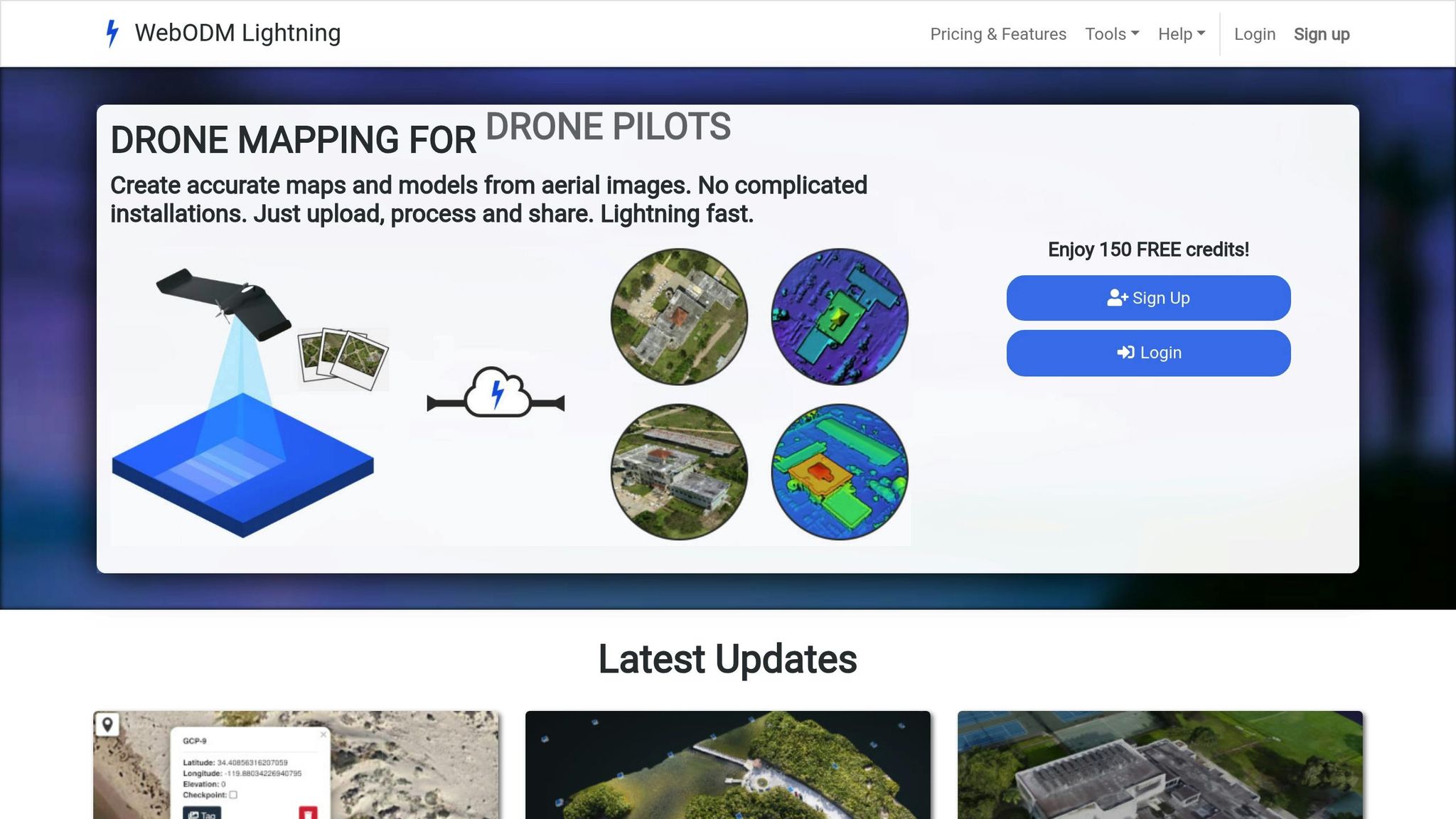
The WebODM Cesium ion Plugin connects drone data processing with 3D visualization by enabling direct uploads from the WebODM dashboard. This feature transforms drone imagery into streamable 3D content that can be easily accessed across various platforms.
Supported Data Types
The plugin supports a range of photogrammetry outputs, including orthomosaics, point clouds, and 3D models, converting them into Cesium's 3D Tiles format for seamless web-based visualization and analysis. It also handles time-dynamic formats like CZML, KML, and GeoJSON, making it possible to create animated flight paths and scenario-based presentations.
WebODM processes drone imagery into georeferenced ortho maps, digital elevation models, and detailed 3D reconstructions. The plugin ensures these outputs retain their spatial accuracy when uploaded to Cesium ion, providing users with precise and reliable visualizations.
Workflow Automation Features
With this plugin, users can process drone imagery in WebODM and upload the results directly to the cloud, where they are automatically converted into 3D Tiles. In 2024, AERO AI revamped the plugin to improve API compatibility, streamline the user interface, and eliminate outdated dependencies.
The plugin also supports layering multiple data versions, enabling users to detect changes over time and monitor temporal trends. This feature is especially useful for applications like environmental monitoring and construction progress tracking.
Now, let’s explore how the visualization capabilities enhance its usability.
Visualization Capabilities
Once uploaded, drone data becomes part of an interactive 3D experience viewable in any web browser - no specialized software required. The integration combines drone outputs with geospatial datasets, such as Cesium World Terrain, offering accurate global context. This functionality is ideal for disaster recovery, urban planning, and environmental monitoring.
Users can also perform real-time navigation, measure distances, and analyze terrain directly within the platform. The plugin's multi-temporal analysis tools allow organizations to visualize changes over time, making it invaluable for tracking construction projects or assessing environmental impacts.
These visualization features naturally tie into the plugin's compatibility across platforms.
Platform Compatibility
Built on the web architectures of WebODM and Cesium ion, the plugin ensures that visualized drone data is accessible across web browsers, desktops, and mobile devices via CesiumJS and Cesium ion. It also integrates seamlessly with other geospatial tools, like QGIS and Unreal Engine, to expand its functionality.
For advanced use cases, platforms like Anvil Labs can enhance the plugin's outputs with options for asset hosting, spatial analysis, and customizable viewing. These capabilities make it a powerful tool for industrial applications, enabling site management through annotations, measurements, and AI-powered analysis.
2. Cesium for Unreal Plugin
The Cesium for Unreal Plugin brings drone data into Unreal Engine, combining it with the platform's immersive 3D visualization capabilities. This integration allows developers to build highly detailed environments using real-world geospatial data. By importing high-resolution drone imagery, the plugin transforms Unreal Engine into a powerful tool for simulations and data analysis.
Supported Data Types
At its core, the plugin supports 3D Tiles, a format designed for streaming large-scale geospatial data. This includes photogrammetry models, point clouds, and terrain datasets derived from drone imagery or LiDAR scans. Other common formats, such as GeoJSON, can be converted into 3D Tiles for seamless compatibility with Unreal Engine's rendering system. Additionally, the plugin supports dynamic data through the CZML format, enabling users to visualize animated elements like flight paths or changes in the environment over time. For resource-heavy datasets, such as dense point clouds or detailed photogrammetry, GPU acceleration ensures smooth, real-time interaction. These capabilities streamline the data preparation process, paving the way for automated workflows.
Workflow Automation Features
Through its connection to Cesium ion, the plugin simplifies data processing and tiling for immediate use in Unreal Engine. This automation eliminates the need for manual conversions and ensures that new data streams in real time, which is especially valuable for ongoing drone operations or maintaining digital twins. Users can directly link to Cesium ion to import and optimize their data, with features like level-of-detail management and efficient memory use. These automated tools make it easy to achieve high-quality visualizations without extensive manual effort.
Visualization Capabilities
The Cesium for Unreal Plugin enhances Unreal Engine’s rendering power with advanced 3D visualization. Users can interact with photogrammetry models, measure distances, analyze line-of-sight, and even map out airspace boundaries - all within lifelike 3D scenes. For example, in 2023, researchers at UNC Charlotte used this plugin to simulate their campus for autonomous drone navigation tests. By streaming high-resolution 3D tiles from Google Maps into Unreal Engine, they created realistic collision models and physics-based UAV interactions, which helped refine autonomous flight algorithms. The plugin also supports dynamic lighting, realistic materials, and advanced shaders, turning imported maps into interactive environments ideal for UAV simulation and operator training.
Platform Compatibility
The plugin is designed for Unreal Engine 4 and 5 on Windows systems, with support for cross-platform deployment across various visualization applications. Its integration with Cesium ion ensures compatibility with other Cesium-based tools, such as the MATLAB UAV Toolbox. Additionally, its cloud-based architecture allows secure and collaborative access to drone data visualizations, making it possible for team members to explore 3D scenes together from different locations.
3. Cesium for Unity Plugin

The Cesium for Unity Plugin transforms Unity 3D into a powerful tool for visualizing drone data, giving developers the ability to create applications that work seamlessly across multiple platforms - all while delivering high-quality geospatial rendering. Its compatibility and straightforward integration with Unity's ecosystem make it a standout choice for developers.
Supported Data Types
At its core, the plugin supports 3D Tiles, a format widely used for photogrammetry models and point clouds derived from drone surveys. It also handles imagery layers, such as orthomosaics, which are aerial maps created by stitching together drone-captured photos. Additionally, the plugin integrates terrain data, enabling developers to combine elevation models with visual imagery to create detailed 3D representations of real-world locations.
One of its key strengths is the ability to layer different data types within a single Unity scene. For example, users can overlay orthomosaics on terrain models while incorporating 3D photogrammetry structures. This multi-layered approach is especially useful in industrial settings where various data types highlight different aspects of a location. By efficiently managing diverse data, the plugin sets the stage for automating workflows in Unity applications.
Workflow Automation Features
The plugin simplifies drone data workflows by integrating directly with Cesium ion, eliminating many of the manual steps that can slow things down. It streams 3D Tiles and other geospatial assets automatically, whether they come from Cesium ion's cloud-based service or local data sources.
Through API integration, the plugin ensures that Unity applications are always up to date with the latest drone data. For instance, when survey teams upload new data, the system processes it and makes it available in Unity without requiring developers or GIS specialists to intervene manually.
Visualization Capabilities
The plugin excels at rendering large-scale geospatial datasets in real time without sacrificing performance. Features like dynamic lighting and shadows allow users to see how terrain and structures look under varying lighting conditions, which can be invaluable for planning drone operations or analyzing site conditions.
Interactive tools enable users to explore drone-captured environments, measure distances and areas, and even visualize dynamic elements such as flight paths. The plugin's level-of-detail management ensures smooth performance, even when working with high-resolution datasets that cover vast areas. These visualization capabilities are not only detailed but also accessible across multiple platforms, making them a versatile solution for developers.
Platform Compatibility
One of the plugin's most notable advantages is its ability to support cross-platform deployment. Unity applications built with Cesium for Unity can run on Windows, macOS, Linux, iOS, Android, and WebGL. This flexibility allows organizations to share drone data visualizations with field teams using tablets, office staff on desktops, and even stakeholders accessing web-based versions.
WebGL support is particularly noteworthy, as it allows users to view drone data directly in web browsers without needing to install additional software. This feature is ideal for sharing updates with clients or enabling remote collaboration on drone survey projects.
Platforms like Anvil Labs take full advantage of Cesium for Unity's cross-platform capabilities, offering tools for 3D viewing, annotation, and measurement across various devices. These features enhance the plugin's value in industrial applications, where digital twins and drone data visualizations are becoming increasingly essential.
sbb-itb-ac6e058
4. MATLAB UAV Toolbox Cesium Integration
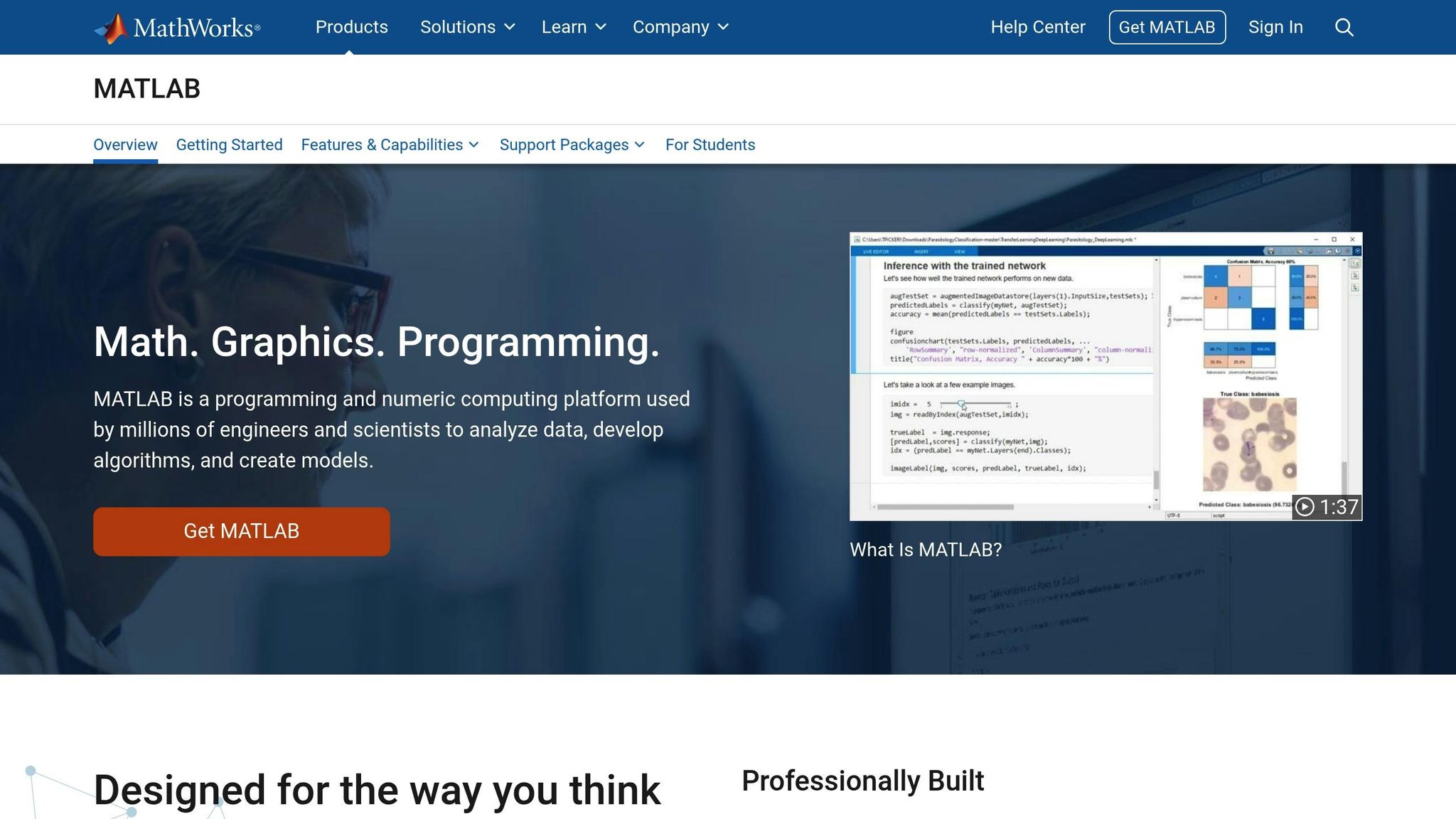
The MATLAB UAV Toolbox Cesium integration combines MATLAB's powerful simulation tools with Cesium's advanced 3D visualization capabilities. This partnership is a game-changer for engineers and researchers who need to simulate, test, and deploy UAV control algorithms while visualizing their results in realistic 3D environments. The integration simplifies workflows and supports various data types essential for UAV simulations.
Supported Data Types
This integration supports a variety of drone-related data formats to create realistic and accurate simulations. For example:
- 3D map and terrain data: Enables simulations based on real-world geographic locations.
- Photogrammetry outputs: Produces detailed 3D models for enhanced visual accuracy.
- Point clouds: Incorporates data from LiDAR or photogrammetry workflows to model terrain with precision.
- Flight logs and telemetry data: Tracks drone performance, GPS coordinates, altitude, and sensor readings.
One of the standout features is the ability to merge these data types seamlessly. For instance, users can overlay telemetry data on photogrammetry-based terrain models while integrating point cloud information, creating a highly accurate and comprehensive simulation environment.
Workflow Automation Features
The integration simplifies complex workflows by leveraging MATLAB scripts and Simulink models to automate data preparation and 3D visualization. Users can configure simulation parameters and export processed data into Cesium-compatible formats with minimal effort.
Large datasets are converted into Cesium's 3D Tiles format, ensuring smooth streaming and rendering - even with high-resolution point clouds or extensive flight logs. This automation also supports parameter-driven simulations, allowing users to test various scenarios like different flight paths, weather conditions, or terrain types with ease.
Visualization Capabilities
With real-time visualization, users can monitor UAV simulations as they unfold. The system provides detailed tracking of flight paths, including altitude shifts, speed changes, and sensor data, all displayed within a dynamic 3D environment. Cesium's GPU-accelerated rendering ensures smooth performance, even when working with intricate datasets.
Interactive tools further enhance analysis by overlaying additional geospatial data. For example, users can assess how wind patterns or terrain features impact flight performance or evaluate how different sensor setups influence data collection quality.
Platform Compatibility
The integration primarily runs on Windows systems, as MATLAB and the UAV Toolbox require Windows for full functionality. However, the visualization component utilizes Cesium Ion's web-based platform, making the processed data accessible across devices via web browsers.
By combining MATLAB, the UAV Toolbox, and Cesium Ion, this integration creates a robust environment for UAV simulation and analysis. While Windows systems handle the heavy lifting of simulation and data processing, the resulting visualizations are easy to share and view on various platforms, fostering collaboration among teams regardless of location.
Additionally, platforms like Anvil Labs can integrate these MATLAB-based UAV simulations into their 3D digital environments. This capability enhances teamwork and decision-making by providing organizations with detailed, data-driven insights across devices and locations.
Plugin Comparison: Strengths and Weaknesses
Cesium's platform for 3D geospatial visualization is already a powerhouse, but plugins take it to the next level, tailoring functionality for specific needs. Each plugin shines in its own way, but they also come with trade-offs. Choosing the right one depends on your technical requirements and project goals.
The WebODM Cesium ion plugin is all about simplicity and seamless cloud integration. It's particularly strong in handling georeferenced photogrammetry workflows and supports temporal analysis. However, it falls short when it comes to advanced real-time rendering, which limits its use for more complex simulations.
On the other hand, Cesium for Unreal focuses on immersive rendering. It boasts high-fidelity graphics and realistic physics, making it perfect for creating training simulations or immersive digital twin environments. That said, it does have a steep learning curve and demands robust hardware, which could be a barrier for some users.
If you're looking for cross-platform flexibility, Cesium for Unity is a solid choice. It’s easier to develop with and supports a variety of platforms, including mobile devices and AR/VR setups. However, its graphical fidelity doesn’t quite match what Unreal offers, and it comes with some Unity-specific constraints.
The MATLAB UAV Toolbox Cesium integration is a niche tool, tailored for UAV algorithm testing and simulation. It excels in combining simulation and visualization, but its narrow focus limits its use for broader visualization tasks or managing large-scale assets.
| Plugin | Primary Strengths | Key Limitations | Best Applications |
|---|---|---|---|
| WebODM Cesium ion | Open source, easy cloud integration, temporal analysis support | Limited advanced rendering, browser-based constraints | Environmental monitoring, AEC projects, geospatial analysis |
| Cesium for Unreal | High-fidelity graphics, physics simulation, immersive environments | Steep learning curve, high hardware requirements | Training simulations, immersive digital twins, visualization demos |
| Cesium for Unity | Developer accessibility, cross-platform support, flexible integration | Less advanced rendering than Unreal, Unity-specific limitations | Interactive apps, AR/VR experiences, cross-platform deployment |
| MATLAB UAV Toolbox | Algorithm development focus, Simulink integration, simulation capabilities | Limited visualization features, specialized use case | UAV research, algorithm testing, academic applications |
When it comes to performance, the plugins vary significantly. WebODM is great for processing large photogrammetry datasets but may hit browser limitations. Unreal and Unity, as game engine plugins, can handle large datasets too, but they require careful optimization and high-performance hardware. MATLAB's integration prioritizes computational precision, which makes it less suitable for real-time visualization tasks.
Cost considerations also play a big role. WebODM is open source, making it a cost-effective option for teams with the right technical know-how. Unreal and Unity require licenses for their respective platforms, and additional fees may apply for advanced features. MATLAB's integration, meanwhile, requires licenses for both MATLAB and the UAV Toolbox, which can be a significant expense for new users.
For organizations juggling industrial drone data across multiple sites, Anvil Labs offers a complementary solution. It provides asset hosting and secure data sharing, enabling centralized management and easy access to drone-derived 3D models and spatial data. This approach lets teams use specialized plugins for processing while maintaining streamlined workflows.
Choosing the right plugin can transform your Cesium-based digital twin systems, ensuring that your data visualization and simulation needs are met effectively.
Conclusion
Selecting the right plugin depends on your workflow, expertise, and budget. It’s all about finding the best fit for your performance, scalability, and cost needs.
For workflows centered around open-source tools and large-scale data sharing, the WebODM Cesium ion Plugin shines. It has proven effective in industrial settings, offering a practical option for organizations tackling tasks like AEC projects, environmental monitoring, or disaster recovery.
If your focus is on high-fidelity simulation or immersive training, Cesium for Unreal stands out. Its photorealistic visuals and advanced simulation capabilities make it a solid choice for autonomous UAV systems and training environments that demand realism.
For teams already working with Unity or requiring cross-platform compatibility, Cesium for Unity provides the tools to create custom applications with impressive visualization. This is particularly useful for industrial site visualization, especially when mobile and AR/VR compatibility is a must.
Meanwhile, research and engineering teams developing advanced algorithms will find the MATLAB UAV Toolbox Cesium integration invaluable. It blends powerful analytical tools with Cesium’s visualization capabilities, making it ideal for UAV control system development and academic research.
Additionally, platforms like Anvil Labs enhance these plugins by enabling organizations to host and visualize 3D models, LiDAR, orthomosaics, and other drone-derived data. This integration creates interactive digital twins that are especially useful for managing multiple industrial sites.
FAQs
How can custom plugins improve drone data visualization and analysis in Cesium-based platforms?
Custom plugins take Cesium's capabilities to the next level by enabling more advanced processing and visualization of drone data within digital twin platforms. These tools make it possible to work with a range of data types, including 3D models, 360° photos, thermal imagery, LiDAR, and orthomosaics. This flexibility simplifies the analysis and management of even the most complex datasets.
Take Anvil Labs, for example. Their platform integrates these features to optimize workflows for managing industrial sites. With tools for data processing, annotations, measurements, and secure sharing, users can perform detailed 3D spatial analysis to make well-informed decisions.
How do Cesium for Unreal and Cesium for Unity differ in their applications and visualization features?
Cesium for Unreal and Cesium for Unity are both excellent tools for bringing real-world 3D geospatial data into interactive environments, but they shine in slightly different ways depending on your project's needs.
Cesium for Unreal is all about delivering high-quality, immersive experiences. It's particularly suited for projects like virtual reality, simulations, and cinematic visualizations. By tapping into Unreal Engine's advanced rendering features, it produces stunning, photorealistic visuals that elevate the realism of any scene.
Cesium for Unity, on the other hand, focuses on flexibility and user-friendliness. It's a great choice for projects that emphasize interactive, real-time applications, such as game development, training tools, or lightweight simulations. Unity's wide accessibility and compatibility with various platforms make it especially appealing for projects that need to work seamlessly across multiple devices.
Both platforms fully support Cesium's 3D Tiles, which makes it easy to integrate geospatial datasets like drone imagery, LiDAR scans, and more into digital twin workflows.
How does integrating MATLAB UAV Toolbox with Cesium support drone researchers and engineers in simulation and algorithm development?
Combining the MATLAB UAV Toolbox with Cesium brings an exciting opportunity for drone researchers and engineers to simulate complex scenarios and refine advanced algorithms. This partnership leverages MATLAB's powerful simulation tools alongside Cesium's 3D visualization platform, creating an interactive and immersive environment for analyzing drone data.
With this integration, users can build realistic flight simulations, test navigation algorithms, and visualize sensor data - like LiDAR or thermal imagery - within a geospatial framework. It simplifies the process of developing and validating UAV systems, bridging the gap between initial concepts and real-world deployment.

.svg)


