

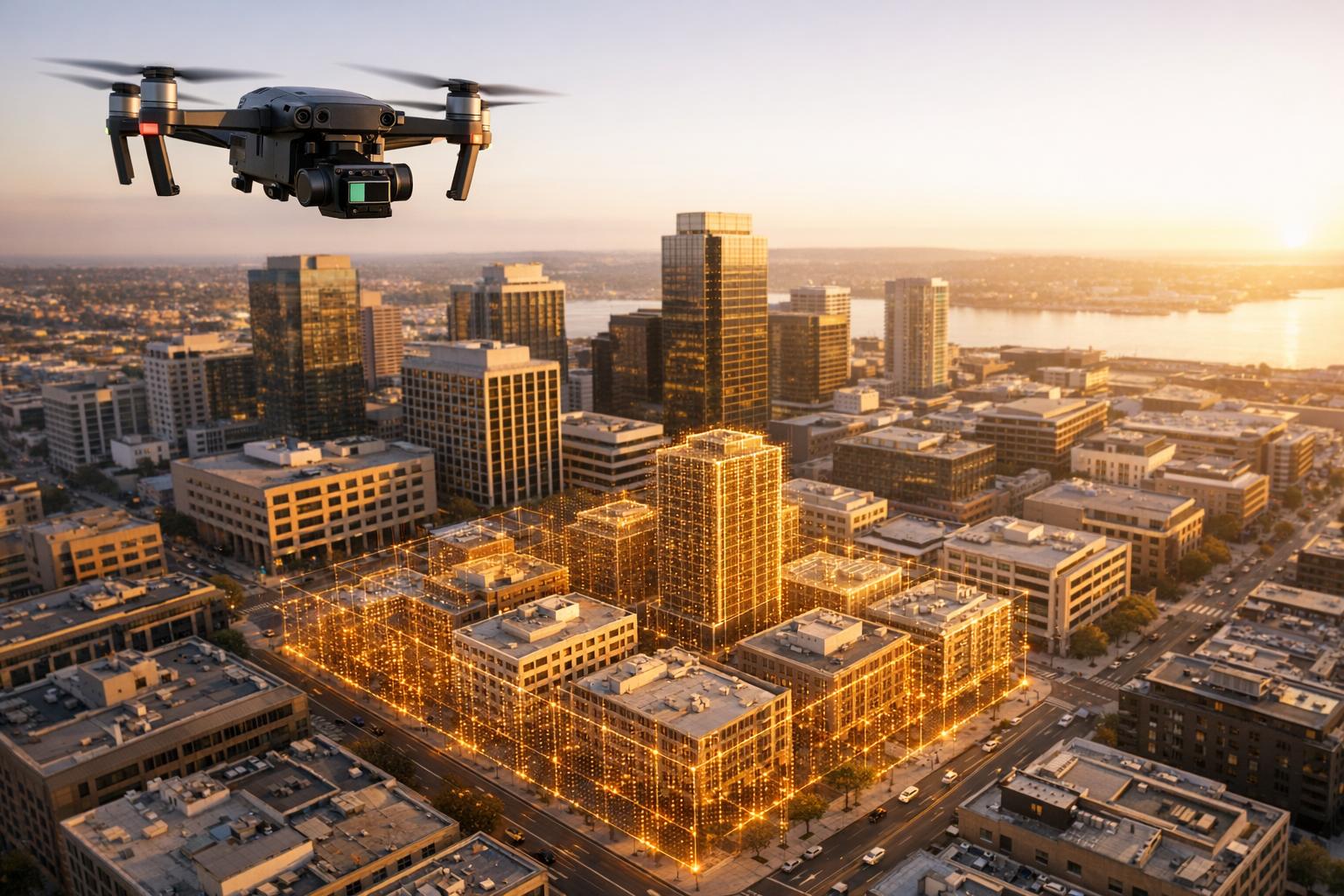
Drones equipped with LiDAR sensors are changing how cities are modeled and managed. By creating digital twins - virtual 3D replicas of urban environments - engineers and planners can analyze, simulate, and maintain city infrastructure more efficiently. Here's how it works:
- LiDAR Technology: Drones use laser pulses to generate precise 3D point clouds, with accuracy levels of 2–5 cm and dense coverage (100–500 points per square meter).
- Applications: Digital twins help simulate traffic changes, monitor infrastructure wear, and plan disaster responses.
- Regulations: Operators must comply with FAA rules, including drone registration, Remote ID, and airspace permissions.
- Workflow:
- Choose the right drone and LiDAR sensor.
- Plan compliant flight missions.
- Collect spatial data with LiDAR and cameras.
- Process point clouds into detailed 3D models.
- Host and share models on platforms like Anvil Labs for collaboration.
This method is faster and more precise than older surveying techniques, offering new possibilities for urban planning, disaster management, and infrastructure optimization.

5-Step Workflow for Creating City Digital Twins with Drone LiDAR
Drone and LiDAR Equipment Setup
Choosing Your Drone and LiDAR Sensor
When selecting a drone, ensure it has enough payload capacity to handle your LiDAR sensor and any additional gear. LiDAR sensors can differ significantly in weight and performance, so it’s crucial your drone can carry the load while maintaining steady and reliable flight.
Pay attention to the sensor’s resolution and accuracy. High-resolution sensors are ideal for capturing detailed architectural features. Additionally, scanning frequency and field of view will impact how much ground area you can cover. Adjusting flight speed and planning the flight path carefully is essential, especially when working with sensors that use a rotating or fixed-angle design to ensure proper data overlap. For added value, consider integrating RGB cameras for photogrammetry. These cameras provide visual data that can complement your LiDAR scans, making the digital twin more accessible to non-technical stakeholders.
Once you’ve chosen your equipment, it’s time to plan your flight while ensuring compliance with all relevant regulations.
Flight Planning and Regulatory Requirements
Before starting any mapping mission, familiarize yourself with FAA regulations. Any drone weighing more than 0.55 lbs (250 grams) must be registered with the FAA. The registration fee is $5 for recreational use (valid for one year) or $10 for commercial use (valid for three years). Since creating digital twins typically qualifies as commercial activity, you’ll need to operate under Part 107 regulations. This requires obtaining a Remote Pilot Certificate by passing the FAA knowledge test.
By 2026, drones over 0.55 lbs will also need to broadcast a digital "license plate" with their unique identifier and real-time location. As Extreme Aerial Productions puts it:
Remote ID is now standard for all FAA-registered drones above 0.55 lbs. Think of it as your drone's digital fingerprint.
Compliance with Remote ID requirements has already reached 95% among commercial operators as of 2025, with violations potentially leading to fines of up to $27,500.
If your project takes you into controlled airspace - such as Class B, C, D, or surface Class E zones - you’ll need prior authorization. Tools like the Low Altitude Authorization and Notification Capability (LAANC) or FAA DroneZone streamline this process, often granting instant clearance near airports and city centers. It’s also important to check for temporary flight restrictions using a Notice to Airmen (NOTAM) scan before every mission. In 2025, unauthorized flights in restricted areas accounted for 22% of the 3,200 reported drone violations.
For larger urban projects requiring Beyond Visual Line of Sight (BVLOS) operations, the FAA introduced Part 108 in 2025 to simplify what was previously a complex waiver process. BVLOS operations can dramatically cut survey costs - by as much as 40–60% - and speed up data collection by 70% compared to traditional Visual Line of Sight methods. Under proposed §108.205, drones can operate within 50 feet of infrastructure like bridges, power lines, and railroads with the owner’s consent. In these "shielded" zones, drones are often given the right-of-way over manned aircraft.
sbb-itb-ac6e058
Data Collection Process
Planning Your Flight Mission
Start by mapping out a detailed flight path that highlights critical areas like key buildings, streets, and infrastructure. Clearly define your project scope and use waypoint planning to ensure no areas are missed.
Altitude matters. Keep your drone flying between 150–200 feet to capture enough detail while staying below the 400-foot limit. For best results, ensure 60% overlap for nadir photos and 70–80% overlap for oblique shots. As Emily Hunt from Blue Marble Geographics advises:
Fly only in rain-free, low-wind conditions.
Overcast skies are ideal because they reduce harsh shadows and reflections, which can complicate data processing.
Ground Control Points (GCPs) are non-negotiable for achieving precise geospatial accuracy. Place at least five visible GCPs in unobstructed areas. Markers should be at least 18 inches wide to ensure they stand out in aerial images. In busy urban areas, consider marking GCP corners to verify they haven’t been moved during the operation. For centimeter-level precision, establish an RTK connection between your drone and a GNSS base station before takeoff.
Before launching, double-check everything: recharge your batteries, calibrate sensors, and update firmware. Plan for battery swaps, as flights typically last 15–45 minutes. Be mindful of physical obstacles like tall buildings, power lines, or even predatory birds.
Once everything is set, execute your flight plan to gather the necessary data.
Scanning with LiDAR and Cameras
After planning your route, the next step is capturing the data. Once your drone is airborne, the LiDAR sensor emits laser pulses, creating a detailed 3D point cloud. Adjust your flight speed to maintain proper data overlap, and use oblique capture mode to ensure building facades are recorded.
Using professional-grade equipment with RTK capabilities can deliver photogrammetric precision of less than 3 cm. If you’re relying on PPK (Post-Processed Kinematic), remember that corrections are applied after the flight, which can be more dependable in dense urban areas where real-time connections may be unstable. To complement LiDAR data, run RGB cameras simultaneously to capture visual details and create orthomosaics.
Monitor your data collection live to spot any coverage gaps before leaving the site. Urban environments can be tricky, with GPS signals often blocked by tall buildings and reflective surfaces causing interference. If you notice incomplete coverage, plan an additional pass while your equipment is still on-site and ready to go. This ensures you don’t miss any critical data.
Processing LiDAR Data into 3D Models
Cleaning and Classifying Point Cloud Data
The first step in processing LiDAR data is cleaning it. This involves removing noise caused by environmental factors or sensor inaccuracies, ensuring the dataset remains accurate and clear for further use.
Take this example: A heliguy™ workflow using a DJI L1 sensor mounted on a Matrice 300 RTK processed raw data in DJI Terra and Terrasolid. This reduced the dataset from a massive 111 million points to a more manageable 46 million points. This reduction not only saved storage space but also sped up the model creation process significantly.
Next comes classifying the point cloud data. Points are labeled based on their type - such as bare earth, vegetation, buildings, rail, or water. Automatic classification tools are fast, but they aren't perfect. For instance, they might miss parts of a rooftop or introduce errors in Digital Terrain Models (DTMs). In the heliguy™ workflow, manual corrections were crucial. A missed rooftop section was manually added, and erroneous data was categorized as "low points" to separate it from the main dataset. These adjustments improved the dataset's quality, making the next steps more precise.
Building the 3D Digital Twin
Once the point cloud data is clean and classified, the next task is constructing the 3D model. Start by isolating the necessary data - removing non-terrain points to create a Digital Terrain Model (DTM). Techniques like point thinning and smoothing help eliminate excess noise while retaining the model's accuracy.
The next step is meshing the point clouds to form surfaces and applying RGB-derived textures to add realistic details. This combination of LiDAR's geometric precision and photographic textures results in a highly detailed digital twin. To ensure usability, all elements must be georeferenced correctly, making the model ready for analysis and simulation. Finally, upload the completed 3D model to platforms like Anvil Labs, where it can be hosted, shared, and analyzed further. These tools provide additional spatial insights, which are invaluable for urban planning and other applications.
Hosting and Collaboration on Anvil Labs
Uploading and Managing Your Data
Once your 3D model is ready, the next step is to organize and share it effectively. By uploading your digital twin to Anvil Labs, you unlock real-time collaboration and spatial analysis capabilities. This cloud-based platform is designed to handle large-scale drone and LiDAR datasets with ease.
The Asset Viewer offers a simple way to explore 3D models, digital twins, and industrial site data right from your browser. Whether you're working with LiDAR point clouds, orthomosaics, 360° photos, or thermal imagery, you can bring all these data types together in one place, simplifying project management and visualization.
To keep your data secure, the platform uses role-based access controls. You can assign permissions for viewing, editing, or downloading, ensuring that only the right people have access. For example, city planners can share specific datasets with contractors while keeping internal tools and analysis private. This approach makes teamwork on urban planning projects more efficient and secure.
Collaboration Tools and Integrations
Anvil Labs comes equipped with tools that make teamwork seamless. Team members can annotate areas within the 3D model, add notes, and measure distances directly on the platform. These annotations stay linked to the model, even as updates are made.
The platform also supports integrations with other tools to enhance functionality. For instance, it works with Matterport for immersive 3D visualization, YouTube for embedding video walkthroughs, and task management systems for better project coordination. Additionally, AI tools can be connected to automate inspections and uncover patterns in the data. With cross-device accessibility, your team can review and collaborate on the digital twin using desktops, tablets, or smartphones.
AMANDA LIND: CREATING A DIGITAL TWIN WITH UAV-COLLECTED DATA
Using Digital Twins for Urban Planning
Once your digital twin is up and running, it opens up a world of possibilities for improving urban planning processes.
Drone LiDAR vs. Traditional Surveying Methods
Drone-based LiDAR is shaking up how we capture spatial data in cities. Unlike traditional ground surveying - which depends on tools like total stations and GPS devices and can take a lot of time - drones can quickly gather millions of data points across vast areas. This speed makes it easier to produce 3D models that map terrain and infrastructure layouts in detail. However, traditional surveying still plays a crucial role in tasks that demand precision, such as marking property boundaries or construction staking.
While drones are great for capturing broad spatial data, they can run into issues in areas with dense vegetation or indoors where GPS signals struggle to reach. That said, the rapid data collection drones provide lays the groundwork for digital twins, which bring dynamic simulations into the mix, making urban planning even more efficient.
Running Simulations and Updates
Digital twins take urban planning to the next level by enabling simulations based on real-world data. Planners can test out proposed changes, like adding bike lanes or tweaking traffic signal timings, in a virtual model of the city. This allows them to predict how these changes might affect traffic flow or emissions before implementing them in the real world.
"Imagine a city where planners can test traffic changes before they touch a single signal, disaster teams can simulate floods in real time, and sustainability officers can monitor carbon output block by block." – Labvent
These digital replicas also support detailed environmental assessments, such as creating pollution heatmaps from simulated traffic patterns. They’re invaluable in disaster response, offering tools for real-time flood simulations and evacuation planning. Emergency teams can use these insights to quickly pinpoint and address high-risk areas.
On top of that, advanced digital twin systems leverage machine learning to predict utility demands and detect issues in water or energy networks. Building these systems often involves tools like PostGIS for spatial mapping, TimescaleDB for handling live sensor data, and Kafka for processing real-time data streams. Together, these capabilities transform raw data into actionable insights, making urban planning smarter and more responsive.
Conclusion
Creating digital twins of cities using drones and LiDAR follows a straightforward process: selecting the right equipment, planning compliant flight missions, gathering accurate data, processing point clouds into detailed 3D models, and hosting these models for collaboration. Each step transforms aerial data into actionable insights for urban development.
The benefits of this approach are striking. Drone-based LiDAR collects millions of data points much faster than traditional methods, offering precise coverage of vast urban areas. Digital twins combine real-time data - like traffic patterns, energy usage, and weather conditions - to model urban growth, safety scenarios, and climate challenges. For example, airports using digital twins have reduced turnaround times by 20% through optimized gate assignments.
Handling this wealth of data requires a platform capable of managing various formats, such as LiDAR point clouds, orthomosaics, thermal images, and 360° photos, while ensuring smooth team collaboration. Anvil Labs provides this infrastructure, offering tools for hosting, annotations, measurements, and secure sharing with controlled access. Its integrations with AI analysis tools and task management systems simplify workflows from upload to project completion.
From mapping infrastructure to simulating floods or testing traffic solutions, drone-generated digital twins offer the spatial framework cities need. With the right tools, aerial data can evolve into a dynamic urban model ready to meet modern challenges.
FAQs
How much does a city drone LiDAR project cost?
The price tag for a city drone LiDAR project can span a wide range, largely depending on its scope and complexity. While a single LiDAR system is expected to cost around $200 per unit by 2026, the total project expenses can climb from thousands to hundreds of thousands of dollars. Key cost drivers include data processing, the type of equipment involved, and the overall scale of the project.
How often should a city digital twin be updated?
The frequency of updates for a city digital twin largely hinges on its intended use and the pace at which the urban environment evolves. For areas with rapid changes or tasks requiring precision - like structural assessments - updates might occur daily or weekly to maintain accuracy and support timely decision-making. It’s essential to align the update schedule with the city’s specific requirements, carefully weighing the advantages of real-time data against the resources needed to process and manage frequent updates.
What permissions do I need to fly LiDAR drones in a city?
Flying LiDAR drones in urban areas requires careful adherence to local laws and regulations. Typically, this involves securing permissions such as Special Flight Operations Certificates (SFOCs) or similar authorizations, especially for Beyond Visual Line of Sight (BVLOS) flights. If your drone weighs over 250 grams, it must broadcast its location and identification as per regulations. Additionally, operating in cities often means coordinating with air traffic control to ensure safety. Always make sure to comply with the FAA or the relevant aviation authority governing your area.

.svg)


